User interface
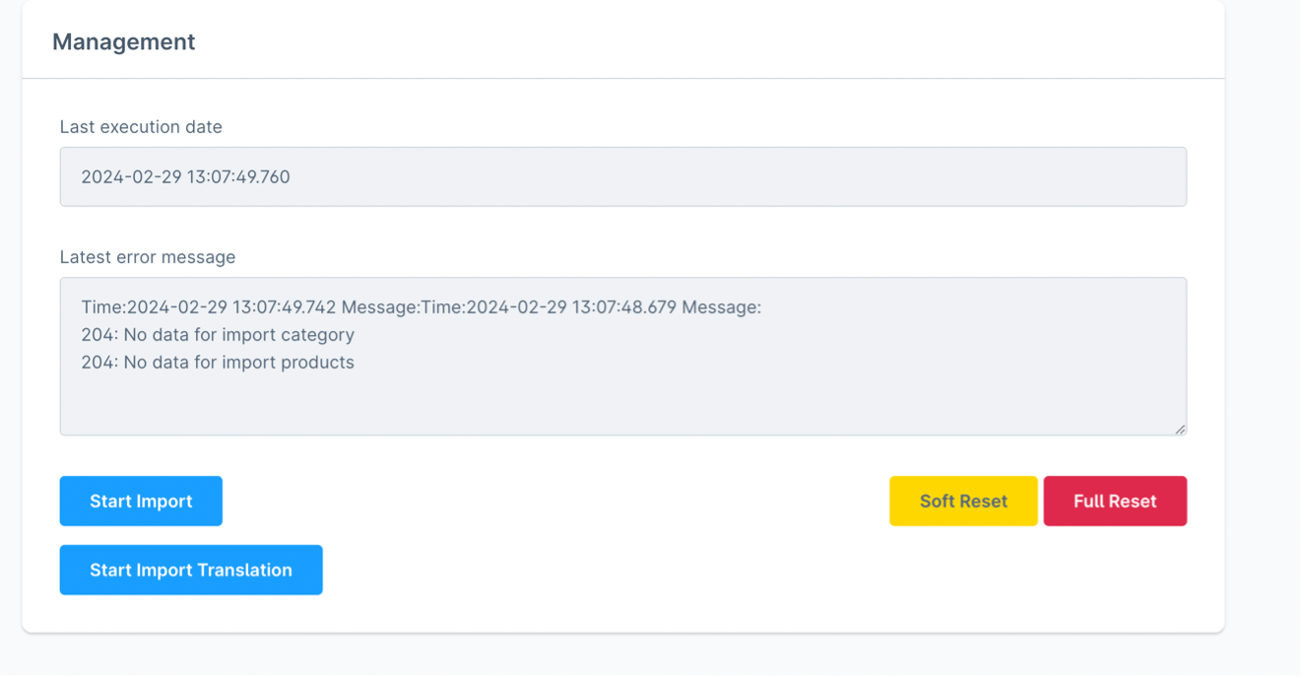
In the introduction, there is a panel named "Management" that serves as an informative element for current imports.
"Last execution date" represents the date of the last import. Based on this date, data from Storemanager is synchronized. "Latest error message" is used to provide informative output about the import process, not only displaying errors but also successfully imported data.
Buttons:
- Start Import: Initiates the import process.
- Soft Reset: Clears the "Last execution time" and "Last error message".
- Full Reset: Deletes all products and categories in Shopware.
- Start Import Translation: Initiates the import translation process.