Vehicles
Used routes:
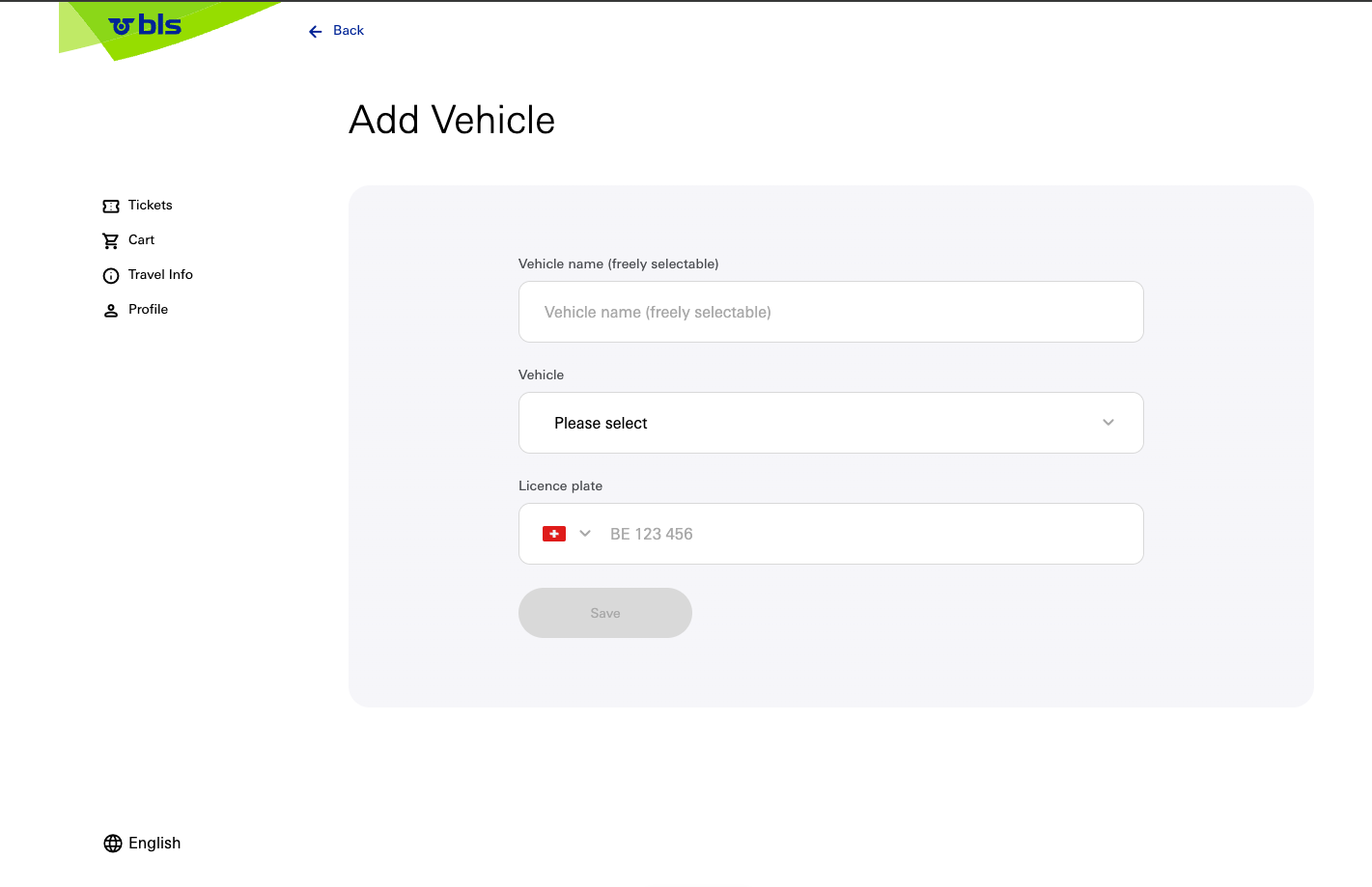
The user can create their own vehicle in their profile. They enter the name of the vehicle. From a dropdown menu, they select the type of vehicle (category). They choose the country of the vehicle and enter its vehicle plate number. After submitting the form, a validation of the vehicle's plate number occurs in Storemanager.
This vehicle is then synchronized into Storemanager. The user can also edit this vehicle and, if the reqeuired conditions are met, can remove (deactivate) the vehicle.
The administrator can delete or deactivate a vehicle, as well as a service card.